




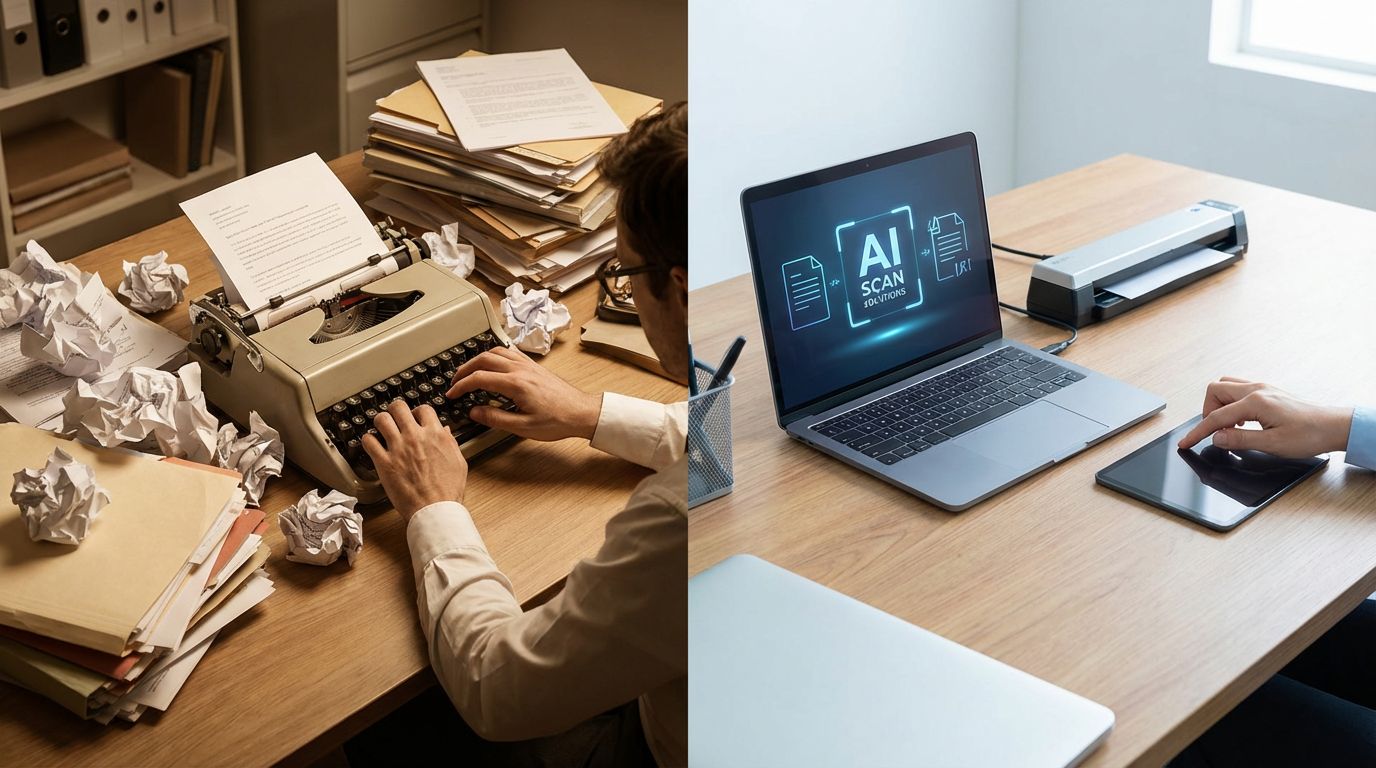
You’ve just received a stack of scanned contracts, research papers, or textbook pages — and your boss (or your professor, or your inner overachiever) needs every single word in an editable document. Right now. Your fingers hover over the keyboard. You look at the mountain of text. You look at the clock. You look at the door. Sadly, the door is not an option.

If you’ve ever lived through this particular nightmare, congratulations — you’ve survived a truly unnecessary form of torture. Thankfully, technology decided to step in and say, “Relax. We’ve got this.” Enter AI Offline OCR Scanner Pro 2026: the tool that turns your scanned documents, photos, and screenshots into clean, editable text faster than you can say “I need a coffee break.”
And the best part? It does all of this without needing the internet. Zero cloud uploads. Zero privacy headaches. Zero chance your confidential contracts end up floating around some random server farm in an undisclosed location.
🤔 So, What Exactly Is OCR — And Why Should You Care?
OCR stands for Optical Character Recognition. In plain English, it’s the technology that lets software “read” text from images — just like how you read a sign on the street, except software does it thousands of times faster and without needing glasses.
Traditional OCR tools were hit-or-miss. They’d mangle your fonts, destroy your formatting, and occasionally produce outputs that looked like a cat walked across the keyboard mid-scan. Modern AI-powered OCR? That’s a completely different story.
AI Offline OCR Scanner Pro 2026 uses advanced deep learning algorithms to recognize text with impressive accuracy — even from low-light photographs, complex fonts, handwritten notes, and documents that have seen better days (and better decades).
🔑 Key Features That Make This Tool a Game-Changer
1. 100% Offline Privacy — Your Data Stays Yours
Here’s the thing about cloud-based OCR tools: when you upload your documents, they travel somewhere. Maybe it’s encrypted, maybe it’s fine — but for sensitive contracts, personal records, or confidential business files, “maybe” isn’t good enough. AI Offline OCR Scanner Pro 2026 processes everything locally on your computer. No internet upload, no data risk, no stress. Think of it as having a super-smart assistant who also happens to have a top-tier NDA.
2. Bulk Folder Processing — Batch Work Without the Breakdown
Got 500 scanned invoice images sitting in a folder? Point the software at the folder and go make a sandwich. By the time you’re back, the tool has processed every single image and handed you clean, readable text. Bulk processing is particularly valuable for businesses digitizing paper archives, researchers managing large document collections, or anyone who has accumulated a frightening number of scanned files over the years. We’re not here to judge.
3. GPU Acceleration — Speed That Actually Feels Like the Future
Compatible with NVIDIA GPUs via CUDA, this tool doesn’t just work — it flies. If you have a dedicated GPU, the software leverages it for lightning-fast text extraction. No GPU? No problem. It automatically switches to CPU mode without complaint. It’s the tech equivalent of a chef who can cook on gas or induction without skipping a beat.
4. Smart Paragraph Detection — No More Scrambled Output
Many OCR tools have a nasty habit of returning text in complete chaos — paragraphs out of order, sentences mixed up, columns merged into one confusing wall of words. AI Offline OCR Scanner Pro 2026 uses smart paragraph detection to maintain the natural reading order of your document. What you get out looks remarkably like what went in — only editable. Revolutionary? Maybe. Satisfying? Absolutely.
5. Multi-Language Support — Breaking Language Barriers
With support for over 20 languages — including English, Arabic, Chinese, Japanese, Korean, and major European languages — this tool doesn’t discriminate. Whether you’re a multilingual researcher, an international business professional, or just someone who stumbled upon a fascinating French document, the software has you covered.
6. Flexible Export Options — Your Format, Your Rules
Once your text is extracted, the software lets you save it as TXT, PDF, DOCX, and more. This seamless integration with other tools means your workflow stays smooth from scan to final document — no awkward conversion detours required.
| ✅ Who Is This Tool For? Students converting textbook photos into study notes. Lawyers digitizing paper contracts. Researchers archiving scanned academic documents. Business owners processing receipts and invoices. Essentially anyone who has ever stared at a printed page and thought, “I wish this was editable right now.” |
⚡ Real Problems This Tool Solves
- Manual retyping — which is just slow, error-prone, and deeply soul-crushing
- Privacy risks from uploading confidential files to online OCR services
- Formatting disasters that make OCR outputs unreadable without heavy editing
- Hours wasted processing large document batches one file at a time
- Struggling with non-English documents or unusual fonts
💻 System Requirements
AI Offline OCR Scanner Pro 2026 runs on Windows 10 (version 17763.0 or higher) and Windows 11. It requires a minimum of 4 GB RAM (8 GB recommended) and approximately 5 GB of disk space. NVIDIA GPU support is optional but recommended for maximum performance.
🏆 The Verdict: Worth It?
Absolutely. In a world where our digital workflows are increasingly dependent on extracting meaning from physical or image-based documents, having a tool that’s fast, private, accurate, and genuinely smart about formatting isn’t a luxury — it’s a necessity.
AI Offline OCR Scanner Pro 2026 manages to be powerful without being complicated. The interface is clean enough for first-time users while still delivering the performance that professionals and power users demand. It sits in that rare sweet spot of software that does exactly what it promises, without drama, without an internet connection, and without a subscription fee that slowly drains your soul.
Whether you’re a student burning midnight oil, a professional handling sensitive client documents, or a business owner trying to digitize years of paper records, this tool earns its place on your desktop.
🚀 Ready to Ditch Manual Typing Forever?
Try AI Offline OCR Scanner Pro 2026 and transform the way you handle documents. Say goodbye to the tedious, error-prone world of manual transcription and hello to fast, private, AI-powered text extraction — right on your own machine.
AI Offline OCR Scanner Pro 2026 Download
Ready to eliminate manual retyping for good? 👇Click the download button below to get AI Offline OCR Scanner Pro 2026 — a complete, standalone offline installer built exclusively for Windows. Fully compatible with both 32-bit and 64-bit systems, no internet connection required after installation.
